
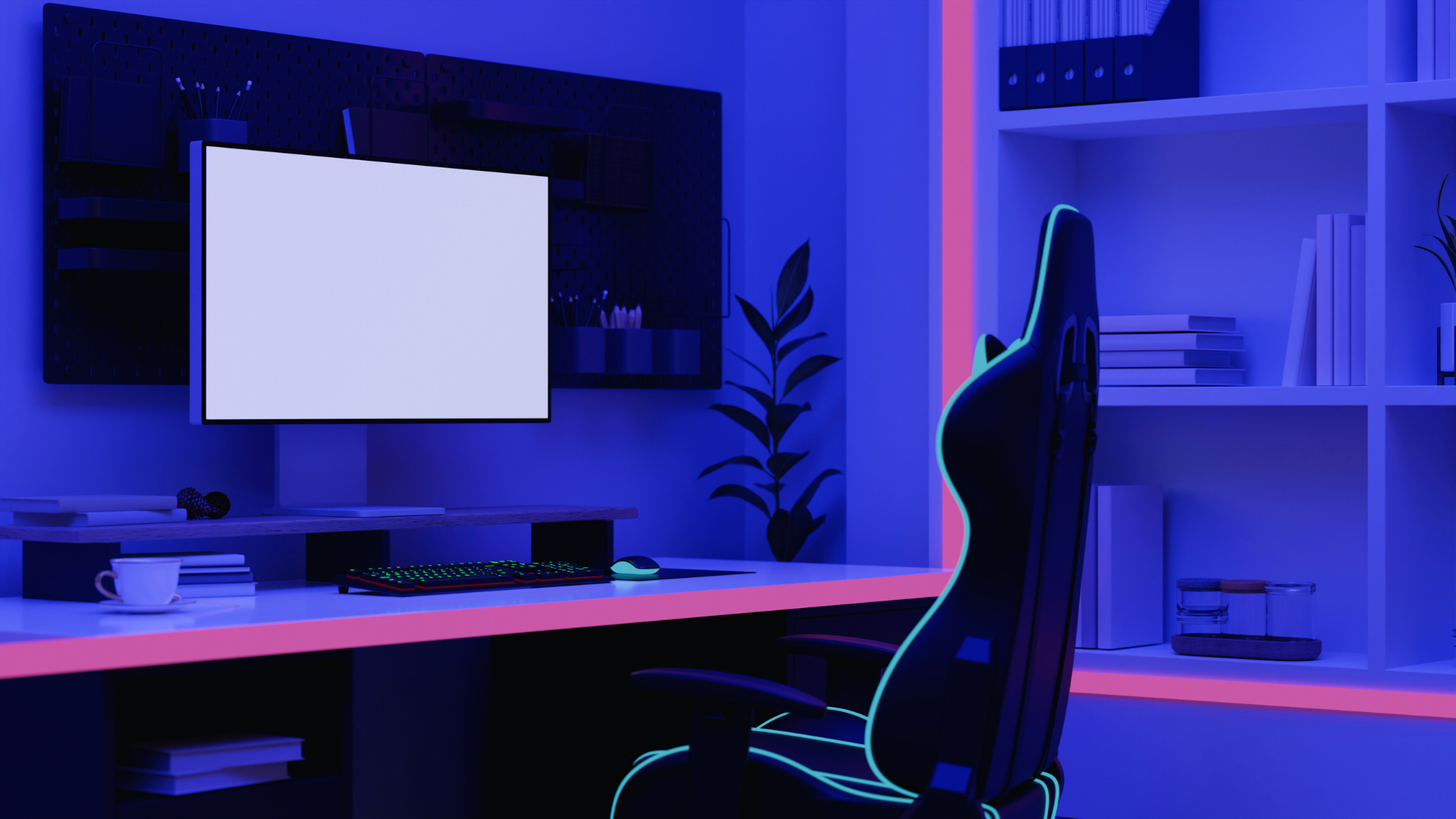
Choosing the right chair to complement a tech setup is essential for optimizing comfort and productivity. A chair that supports good posture and offers adjustability can significantly enhance the user experience, making long hours at a desk more manageable. With the array of options available, selecting one that aligns with individual needs and workspace aesthetics becomes crucial.
Ergonomics plays a vital role in the selection process. An appropriate chair can reduce strain and fatigue, promoting better focus during tasks. Additionally, the chair’s design should seamlessly integrate with existing technology and decor, creating a cohesive work environment.
Investing time in researching the best chair can lead to noticeable improvements in both health and efficiency. By considering factors such as material, adjustability, and style, one can find a seat that enhances both functionality and visual appeal.
Key Considerations When Choosing the Right Chair for Your Tech Setup
Selecting the appropriate chair for a tech setup involves a few crucial factors. Users should prioritize comfort, adjustability, and proper fit to enhance productivity and reduce discomfort during extended use.
Ergonomics and Lumbar Support
Ergonomics plays a vital role in choosing a chair. An ergonomic chair is designed to support the natural posture of the body, promoting comfort during long hours of use. Key features include:
- Lumbar Support: Proper lumbar support maintains the natural curve of the spine. Chairs with adjustable lumbar support can accommodate various body types, providing targeted relief.
- Seat Depth and Height: Adjustable seat depth and height allow the user to align their feet flat on the ground. This promotes better circulation and reduces strain on the legs.
When evaluating ergonomics, consider the materials used. Chairs with breathable fabric can enhance comfort, while a cushioned seat reduces pressure points.
Adjustable Features for Customization
Flexibility in adjustable features is essential for creating a personalized experience. Key adjustability factors include:
- Adjustable Armrests: Armrests should be adjustable in height and width. This allows users to rest their arms comfortably while keeping their shoulders relaxed.
- Tilt Mechanism: A chair with a multi-position tilt mechanism enables the user to lean back while maintaining support. This can help alleviate tension in the lower back.
Customization options enhance comfort levels during different activities, such as typing or gaming. Users should assess how easily they can modify these settings to suit their preferences.
Fit and Sizing for Individual Needs
The chair must fit the user’s body size and shape effectively. Considerations include:
- Weight Capacity: Ensure the chair can accommodate the user’s weight for durability and safety.
- Size of the User: A chair should provide sufficient space without limiting movement. A compact design may suit smaller users, while larger designs can offer additional support.
Checking the chair’s dimensions before purchasing ensures that individuals will sit comfortably. Proper fit reduces the risk of discomfort and enhances overall productivity during tech-related tasks.
Types of Chairs to Complement Your Tech Workspace
Selecting the right chair for a tech workspace involves considering comfort, style, and functionality. Various chair types cater to different needs, ensuring users remain productive without compromising on ergonomics or aesthetics.
Ergonomic Office Chair Options
Ergonomic office chairs are designed to support the body’s natural posture, making them ideal for tech-intensive roles. Features often include adjustable seat height, lumbar support, and armrest height, ensuring users can customize their seating for maximum comfort.
Popular ergonomic office chairs include the Herman Miller Aeron and the Steelcase Leap. These chairs promote healthy sitting habits, reducing the risk of back pain and fatigue during long hours at the desk. Many ergonomic models also come with breathable materials that enhance comfort, facilitating air circulation and temperature regulation.
Executive Chairs for Comfort and Style
Executive chairs combine comfort with sophisticated design, making them suitable for professional settings. These chairs are typically larger, offering plush padding, high backs, and elegant aesthetics.
Materials often range from leather to high-quality fabric, enhancing the visual appeal while providing sufficient support. Users can expect an executive chair to offer multiple adjustments, including reclining features for added relaxation during breaks. Brands like La-Z-Boy and HON are known for their exceptional executive chair options, balancing functionality and style.
Mesh Chairs for Breathability
Mesh chairs are essential for tech workspaces, focusing on breathability and modern design. The mesh material allows air to flow, keeping users cooler during extended computer sessions.
These chairs often integrate ergonomic features such as adjustable seats and lumbar support, promoting healthy posture. Notable models include the SIHOO M18 and the Flash Furniture Mid-Back Mesh Chair. Their lightweight construction and sleek look make them a versatile choice for both home and office environments.
Gaming Chairs for Extended Use
Gaming chairs are tailored for users who spend long hours in front of screens, merging aesthetic design with ergonomic support. These chairs typically feature high backs, deep cushioning, and adjustable armrests, which contribute to comfort during intense gaming sessions or extended periods of work.
Brands like Secretlab and DXRacer offer high-quality gaming chairs designed with durability in mind. Many models also include reclining features and removable cushions for added versatility. Additionally, the design often incorporates bold colors and themes, appealing to gamers and those seeking a dynamic office look.
Matching Your Chair to Your Tech and Home Office Setup
Choosing the right chair is crucial for achieving comfort and functionality in a home office. The chair must align not only with personal aesthetics but also with the technology and layout of the workspace.
Integrating Chair Choice with Your Home Office
Selecting a chair that complements a home office setup involves considering the style and color palette of the room. For a modern tech-inspired space, sleek and ergonomic designs work well. If the office features rustic or vintage decor, a wooden or leather chair might be more appropriate.
Also, ensure the chair’s dimensions fit the desk height for optimal comfort. A chair that allows adequate clearance for technology, such as monitors and keyboards, will enhance productivity.
Durability and Material Considerations
Durability should be a priority in chair selection. Look for materials that withstand daily use, such as high-denier fabrics, bonded leather, or molded plastics. These materials resist wear, making them suitable for busy environments.
A quality chair often features warranties, indicating the manufacturer’s confidence. Additionally, consider how materials interact with office technology, such as heat or static electricity from electronics. Choosing durable materials can lead to longer-lasting comfort and better overall performance in the workspace.